Restoration from an Acronis backup encrypted by ransomware
Are you unable to restore your backups? Has your backup been deleted or disappeared?
Available 24/7, our experts help you restore your systems.
Our experience and responsiveness will save you valuable time!
We are a specialized service of Recoveo, the French leader in data recovery.
ACRONIS Data Recovery Services
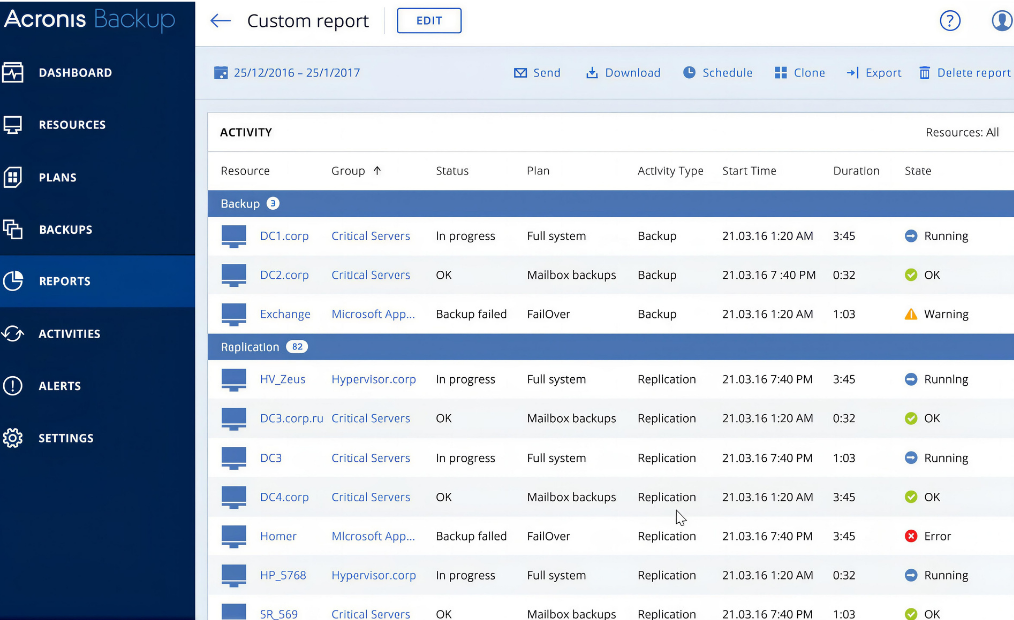
Acronis, one of the market leaders, accounts for a significant share of the backups we handle every day. Thanks to this experience, we have an in-depth understanding of its specific features and can quickly adapt our tools accordingly.
.TIBX backup files (full backup)
.TIB backup files (legacy full backup)
We can recover files even if you have set a password to enable Acronis native encryption. You will need to provide us with the password. This is a double layer of encryption.
Deleted files on a volume or partition, NAS/SAN, disk, or tape, supporting all types of file systems (BTRFS, NTFS, EXT4, etc.).
Deleted files on a volume or partition, NAS/SAN, disk, or tape, with support for all file system types (BTRFS, NTFS, EXT4, and more).
Our process
Your files are transferred and delivered through a fully secure process.
We assess the extent of damage caused by the ransomware.
We process your files using proprietary technologies.
You validate file integrity using our Diagview tool.
How quickly do you need your data?
We offer flexible service packages to meet your unique needs and budget considerations.
- On-demand processing
- 24/7/365 availability
- Dedicated team
- Average turnaround time: 1 to 3 business days
- Priority processing during business hours
- 1 dedicated engineer
- Average turnaround time: 3–7 business days
- Processing during business hours
- 1 shared engineer
- Average turnaround time: 7–14 business days
Why can SOS Ransomware help you?
With over 250 ransomware cases handled, we have adapted our tools and processes to achieve successful outcomes.
Since 2019, we have been developing our tools specifically for data recovery from Acronis backup files.
Our software has been rewritten to process Acronis files even faster.
We can demonstrate our expertise by performing a free analysis of an Acronis file of your choice. Simply send it to us.
Our capabilities for restoring encrypted Acronis backups
Our work focuses on extracting all types of data, including databases, virtual machines, and files from Acronis backups encrypted by ransomware. We can make virtual machines bootable or extract their contents, depending on what is possible. Our engineering teams alternate between data recovery projects for our clients and R&D activities aimed at improving our methods and internal tools.
Our analysis and extraction software
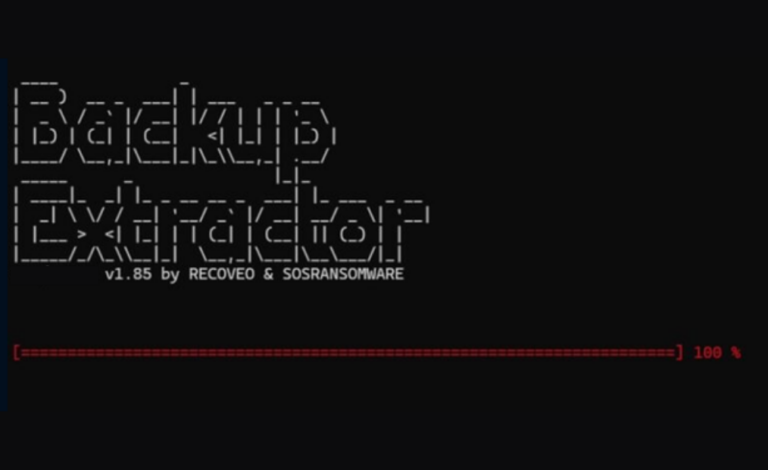
We began developing our first Backup Recovery tool in 2019. It allowed us to repair VBK files so they could be processed by the Veeam extraction tool. In late 2023, we developed a new tool, Backup Extractor:
An integrity control and file listing tool
After recovery, our file integrity testing tool allows us to provide you with a list of recovered files along with their status. We use our Diagview tool, which enables us to send you directly the list of files restored online.Data recovery for corrupted or encrypted backup systems
We have developed a suite of proprietary software tools that enable us to restore data from backup systems encrypted by ransomware. SosRansomware operates a unique R&D unit where we use our own resources to develop new solutions or adapt existing technologies. This allows us to respond immediately to new requirements or data loss scenarios, including emerging cyberattacks.
Two main backup recovery modes: in-lab or remote
Our 10 Gb/s connectivity enables highly responsive and fast data exchanges in the case of remote recovery. Security is our top priority: we exclusively use the SFTP protocol for data transfers. File integrity is verified upon receipt, ensuring that the recovered files are 100% identical to the originals.
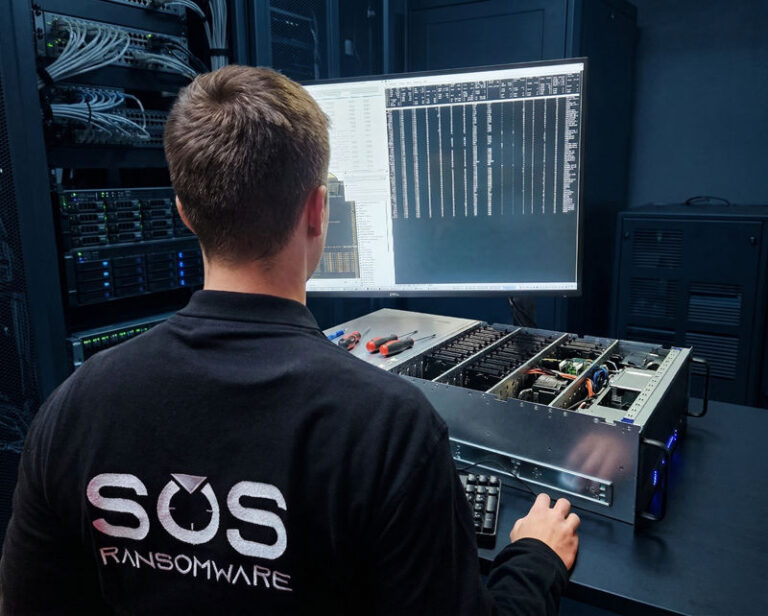
The majority of our recovery operations still take place in our laboratories. The main advantage is that we have more recovery options available when working directly with physical servers than with downloaded files. Lab-based recovery is essential in cases of data deletion where information has been permanently removed.
Our company’s engineers can also recover individual damaged databases without working directly on the hardware. If the client prefers, they can create an exact copy of the database system, avoiding any risk of accidental damage to the original media. Once the recovery process is complete, we deliver the recovered data to the client along with a database backup.
How can backup systems be damaged by ransomware?
Your backups, once your lifeline, are now the main target of the most sophisticated cyberattacks.
Hackers don’t just steal your data, they methodically make it inaccessible.
In less than two hours, your files, virtual machines and backups can be partially encrypted. These targeted attacks, often carried out on weekends, paralyze your systems and put your business at risk.”
But don’t be discouraged: our experts and state-of-the-art technology are here to help you recover your data…
Testimonials
Success stories
ACRONIS backup encrypted by ransomware A real estate agent contacts us after being encrypted by a ransomware group. They provide us with a 4 TB .TIB file. We found that the encryption had affected all file beginnings to the tune of 8 GB. Fortunately, they shut down the NAS at the start of the attack. They removed the NAS system disk. Only 4 directories are missing. A data recovery company will search for deleted files, but all the files found are corrupt. So we analyzed the structure and compression of the files. We were able to recover 95% of the data in this folder.
TIBX backup fails due to I/O error. The IT service provider sends us a hard disk containing TIBX backup files. The software indicates a “Data error (cyclic redundancy check)” error. This error message indicates that there are physical errors on the disk. So we clone the disk. The SPF file doesn't work. There are errors: it's corrupt. Despite the errors, we recover over 90% of the data.

FAQ
Frequently asked questions
If your Acronis encrypted backup files (.TIB or .TIBX) have been affected by ransomware, this FAQ will help you understand the situation and possible recovery options.
A .TIB or .TIBX file is a backup archive created by Acronis True Image (now Acronis Cyber Protect Home Office) or Acronis Cyber Protect. These files contain system or data backups and may be encrypted for security.
Yes. If ransomware has access to your system or backup storage, it may encrypt your backup files, making them inaccessible unless decrypted or restored from an unaffected source.
The file names may be changed or have extensions added (e.g., .tib.locked or .tibx.encrypted).
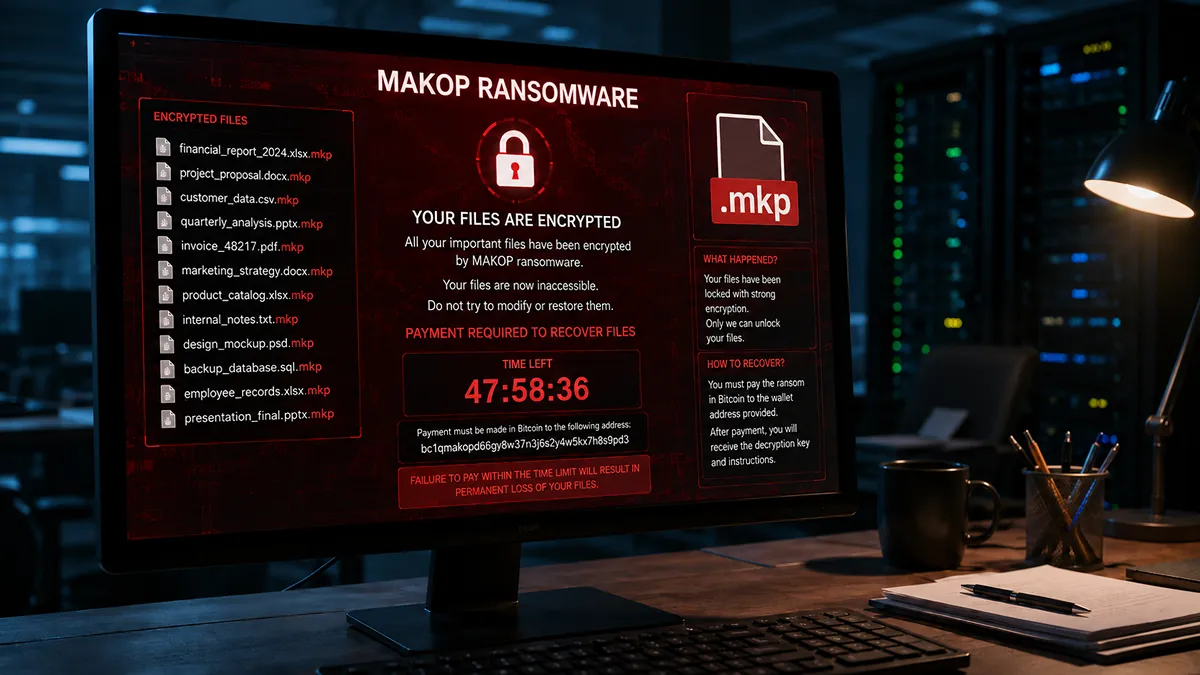
A ransom note appears, demanding payment for decryption.
The Acronis software fails to recognize or restore the backups.
Attempting to open the file results in an error.
It depends on the ransomware type:
If ransomware encryption was used: Recovery is difficult without the decryption key. Security researchers may have free decryptors for certain ransomware strains (check sites like No More Ransom).
Check Acronis Cloud Backup: If you used Acronis Cloud, restore an unaffected backup version.
Look for Shadow Copies: Use Windows' built-in Previous Versions or Volume Shadow Copy to restore older backups.
Use a Decryptor: Search for ransomware decryptors online (e.g., No More Ransom).
Check for Unencrypted Copies: If the ransomware only affected some backups, look for intact versions on external drives or other locations.
Contact us asap.
Acronis cannot decrypt ransomware-encrypted backups. However, if you have access to previous backup versions in Acronis Cloud or an unencrypted copy, you may be able to restore your data.
If you haven’t got backup available, we can decrypt it.
Contact us for further assistance.
Security experts advise against paying the ransom because:
There is no guarantee you will get your files back.
It encourages cybercriminals to continue attacks.
Law enforcement agencies may provide assistance in some cases.
Instead, focus on alternative recovery methods and contact us.
If no backups are recoverable, you may need to reinstall your operating system and applications manually. Data recovery services might be able to help, but success is not guaranteed.
We recommend copying virtual machines and backup files to an external hard disk. Tomorrow, the decryption keys may become public, so you'll be able to recover these files in the future.
Request a free evaluation
Contact us to recover your data from files corrupted, damaged or encrypted by ransomware.
Blog ressources

IOCTA 2026: what the Europol report reveals about the ransomware ecosystem
More than 120 active ransomware brands in a single year. These are the findings that open the 2026 edition of the Internet Organised Crime Threat

Instructure pays ShinyHunters after Canvas hack: a contrarian decision
In 2025, just 19% of non-encrypted extortion victims paid, according to Coveware. Instructure has just joined this minority. On May 11, 2026, the publisher of

Slopoly, the AI-generated malware that invites itself into Interlock ransomware attacks
After PromptSpy, which exploited Gemini to ensure the persistence of Android malware, it’s now the turn of a ransomware player to take the plunge. In
A specialised service from Recoveo
Our other areas of expertise
We have over 20 years’ experience in data recovery. Call on the French leader, our expertise allows us to provide you with a high level response.
Ransomware
Virtual Machine Recovery
Database recovery
Files