
Professional Microsoft SQL Server database recovery
We support all types of databases on all your professional systems, 24/7.
Repair of .MDF, .NDF and .LDF files, or encrypted instances, corrupted tables and indexes. Expertise across all versions (SQL Server 2012 to 2022)
Customised solutions tailored to your company’s specific challenges.
Secure transfers. Independent French laboratory with over 25 years of experience.
SQL recovery following a disk failure is most often a two-step process. First, the physical data (raw sectors) must be recovered in order to access the logical data. If the database cannot be attached to the SQL server, the second step is SQL data recovery. The recovery services provided by Sosransomware will give you a quote for each process.
Database server storage media suffer from the same failure points as personal computer drives.
Even the best-configured system can fail for the following reasons:
- Corrupted database MDF file
- Deleted data (tables, records, system objects)
- SQL server I/O errors
- Deleted or corrupted LDF log file
- Ransomware attack
- SQL database in “suspect” mode
- Unable to restore from a corrupted SQL backup file
- Failed or incorrect RAID rebuild
- Hardware failures
- User errors
- File corruption
- Software issues
- Accidental file deletion
Our company’s engineers are experts in MS SQL recovery. They have recovered hundreds of databases. Contact our expert customer service team to arrange an assessment and start your case.
SSQL Recovery – SQL Database Restoration – Is it possible to recover?

Start with SQL Server recovery / data recovery
What to do in the event of an MS SQL database failure?
When you are faced with database corruption, physical media damage, or any other type of device failure, you should immediately shut down your system. This prevents further damage to the storage media and preserves your data in its original order and state. This rule applies to all failing devices and should be kept in mind.
Do not attempt to restore your database yourself. Running repair utilities or data recovery software can damage your critical files and may result in permanent data loss. If you want to recover a full backup of your database, contact a reliable data recovery company immediately after shutting down your device. Only then will you achieve the best possible results in data recovery.

Testimonials
Success stories
MS SQL Server Recovery from Dynamic VHDX Virtual Machines Encrypted by Ransomware
A Danish SME specializing in the supply of technical equipment for pharmacists contacted SOS Ransomware following a ransomware attack that encrypted its data.Faced with operational urgency, the company’s CEO traveled directly to our facilities to deliver the affected storage media.
Three VHDX files were submitted to our laboratory within the following virtual machines (VMs):
- VM 'DK': encrypted virtual machine containing critical databases
- VM 'NL': encrypted virtual machine with an 8-month-old backup
Our teams were able to reconstruct the data to its latest state in under 24 hours.

Why can SOS Ransomware help you?
With more than 250 ransomware cases handled, we have adapted our tools and processes, enabling us to achieve successful recoveries.
Since 2019, we have been developing our tools specifically for data recovery from SQL database files.
Our software has been redesigned to process corrupted files even faster. Our emergency response team…
We offer to demonstrate our expertise through a free analysis of a file of your choice. Simply send it to us.
Two main backup recovery methods: in-lab or remote recovery
Our 10 Gb/s connection enables us to be highly responsive and fast during exchanges in remote recovery cases. Security is our priority: we exclusively use the SFTP protocol for transfers. File integrity is checked upon arrival, ensuring that the files are 100% identical.
Most of our recovery operations still take place in our laboratories. The main advantage is that physical servers give us more recovery options than downloaded files. In-lab recovery is essential in cases of data deletion where information has been permanently removed.
Our engineers can also recover individual damaged databases without working directly on the hardware. If the client wishes, they can create an exact copy of the database system without risking accidental damage to the storage media. Once the recovery process is complete, we deliver the recovered data to the client along with a database backup.
Our recovery process
We have more than 20 years of experience in data recovery. Trust the French leader in the field—our expertise enables us to provide a high-level response. We have in-depth knowledge of different types of ransomware and the techniques used to combat them.
Definition of the technical scope and recovery priorities during a technical phone consultation. The first phase for effective data recovery.
Your storage media are accepted and handled. We perform systematic cloning to avoid altering evidence in case of investigation.
Extraction of priority data, validity testing, and creation of a list of recovered files. Then secure restoration and business resumption.
How quickly do you need your data?
We offer flexible service packages to meet your unique needs and budget considerations.
On-demand processing
24/7/365
Dedicated team
Average: 1 to 3 business days
Priority processing during business hours
1 dedicated engineer
Average: 3–7 business days
Processing during working hours
1 shared engineer
Average: 7 to 14 business days
FAQ
Frequently Asked Questions
Everything you need to know about MS SQL database data recovery services.
When a SQL database runs out of space, it can lead to various issues such as failed transactions, data corruption, and even system crashes. The database may become inaccessible, impacting operations and potentially resulting in data loss. To address this, it is essential to regularly monitor SQL Server data growth and ensure that sufficient disk space is allocated to the database.
If your SQL database is stuck in emergency mode, this usually indicates severe corruption or other critical issues.
To recover your database from emergency mode, you will need to perform SQL database repair using specialized tools or techniques. SOSRansomware offers professional SQL Server data recovery services, helping you safely recover your database from emergency mode.
Resolving data restoration issues in SQL Server requires careful troubleshooting and adherence to best practices. Start by identifying the cause of the restore failure, which may range from hardware issues to corrupted backup files. Use SQL data recovery techniques, including SQL database repair tools, to address corruption or integrity issues that are preventing the restore process from completing. SOSRansomware specializes in SQL Server data recovery and can help you efficiently resolve data restoration issues.
What steps should I follow if I suspect data loss or corruption in my SQL database?
Checking SQL corruption involves running integrity checks and regular maintenance tasks. Use built-in SQL Server tools such as DBCC CHECKDB to detect any inconsistencies or corruption in the database. In addition, you may consider using third-party SQL data recovery software or consulting experts such as SOSRansomware for comprehensive SQL database repair and corruption detection. Regular monitoring and timely handling of potential corruption issues are essential to maintain data integrity and ensure effective SQL Server data recovery processes.
The operating system type, hardware configuration, and failure scenario of your SQL system influence the cost of the data recovery process. We can provide you with a quote after analyzing your media in our certified laboratory. Our standard service includes free diagnostics, and each case comes with an estimated price and turnaround time.
Request an evaluation
After receiving your request, we will arrange a technical call with our engineers.
blog


How to Recover Critical SAN and NAS Data After a LockBit Ransomware Attack
A UK-based accountancy firm was targeted by a severe cyberattack attributed to LockBit ransomware (suspected version 5.0). The breach encrypted the organisation’s core storage infrastructure,
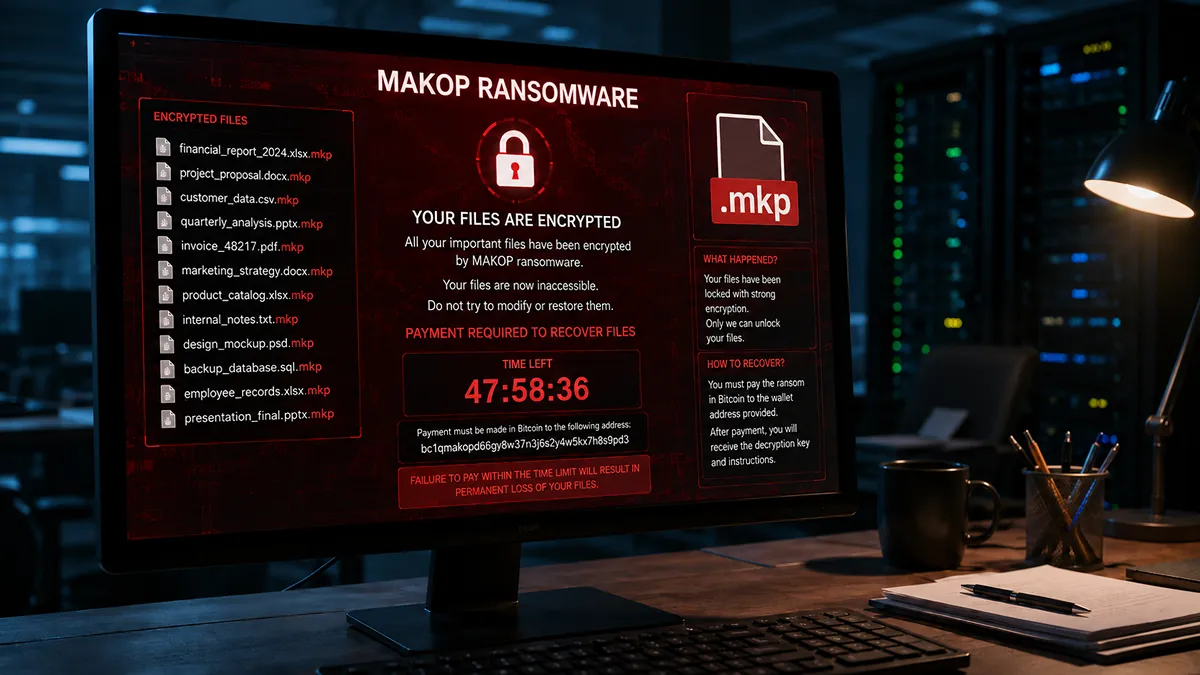
Makop Ransomware: How Recoveo Saved 100% of a German Plumbing Company’s Database
A plumbing company suddenly sees its entire business ground to a halt. On their screens, a terrifying file extension: .mkp. The MAKOP ransomware has just


IOCTA 2026: what the Europol report reveals about the ransomware ecosystem
More than 120 active ransomware brands in a single year. These are the findings that open the 2026 edition of the Internet Organised Crime Threat
Related services
In addition to recovering files encrypted by ransomware, we also work on complex systems such as Hyper-V, VMware, and RAID. Our specialized services ensure the rapid restoration of your critical data, regardless of your technical environment.
Expertise in restoring damaged or inaccessible VMware virtual machines.
Restoration of files encrypted by ransomware using advanced and secure solutions.